Pest-control software
Best Pest Control Software for Small Businesses and Solo Operators
Pest control runs on routes and repeat visits, not one-off jobs. Follow a route day to see what your software needs to do, and which platforms are built for it.
 10 min read
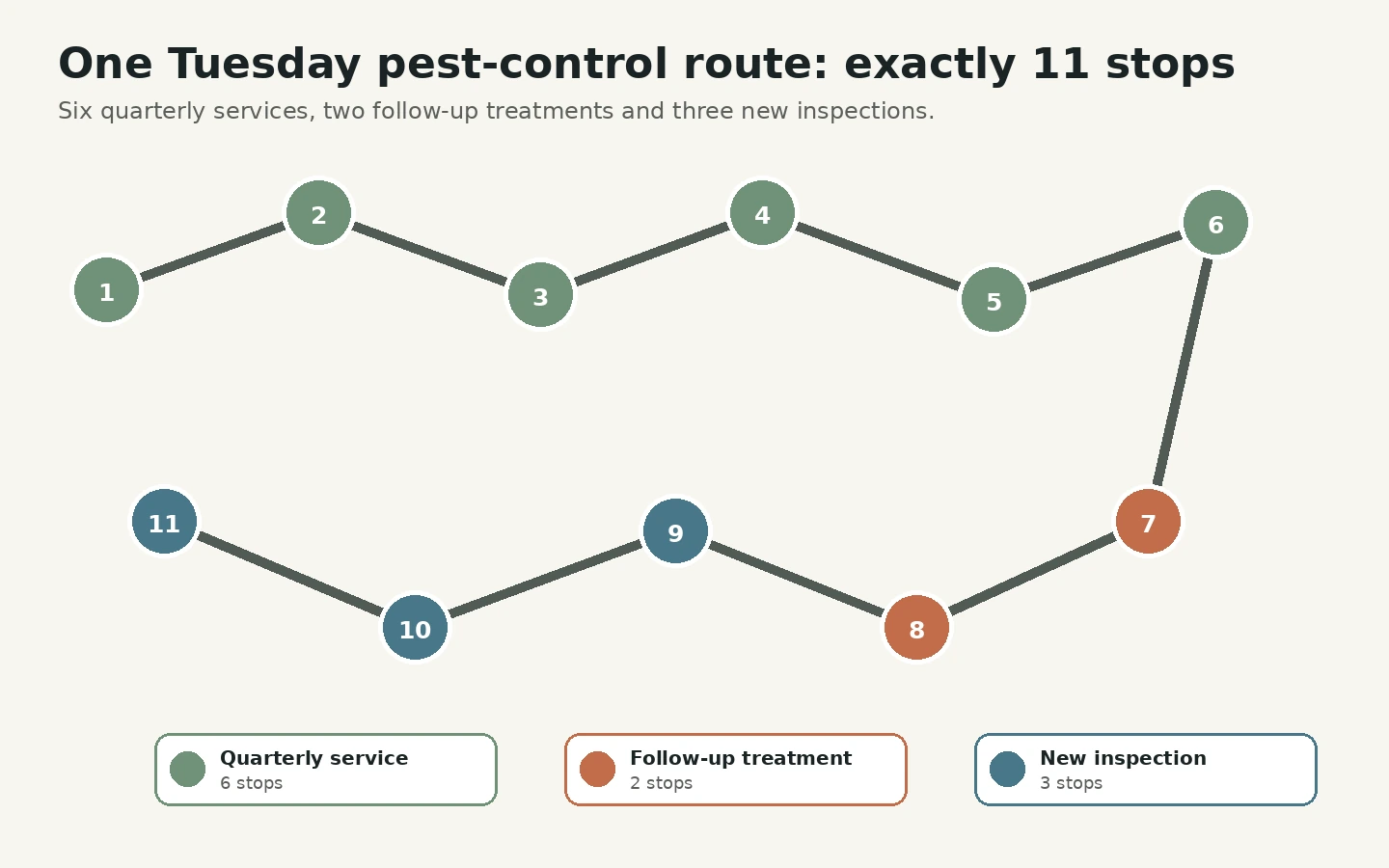
Imagine your Tuesday. Eleven stops: six quarterly service visits, two follow-ups from last week's treatments and three new inspections. At every door you want the customer's history in front of you, and notes you'll be able to find again in six months. When you get home, each visit has to become an invoice, or a line in a recurring plan.
Pest control is a different kind of business from most trades. Instead of one-off call-outs, you're running recurring routes, treating the same properties every month, quarter or season. That means your software has to handle route planning, service agreements that span months or years, automated billing cycles, chemical-use logs and inspection forms. A general field-service platform can cover the basics, but the purpose-built tools below were designed around the route day, so they're worth comparing first.
This guide follows one route and asks what your software needs to do at each point, then looks at where six platforms fit. If you're a solo owner, your priorities are recurring visits, route order, treatment records, invoices and payment collection. Avoid paying for sales-management or multi-branch features before the core route works smoothly.
Before the route: the schedule
A route business lives or dies on scheduling. You need to know who is due, where they are and how to group them so you aren't driving all over the map. That means recurring services that schedule themselves, and the ability to move a visit easily. If a tool treats every job as a one-off, you'll be re-entering the same customers again and again.
At the door: history in your hand
When you arrive, you want to see what was done last time, what the customer reported and what to check. That means full service history and notes, readable on your phone, and easy to find later.
During the visit: chemicals and inspections
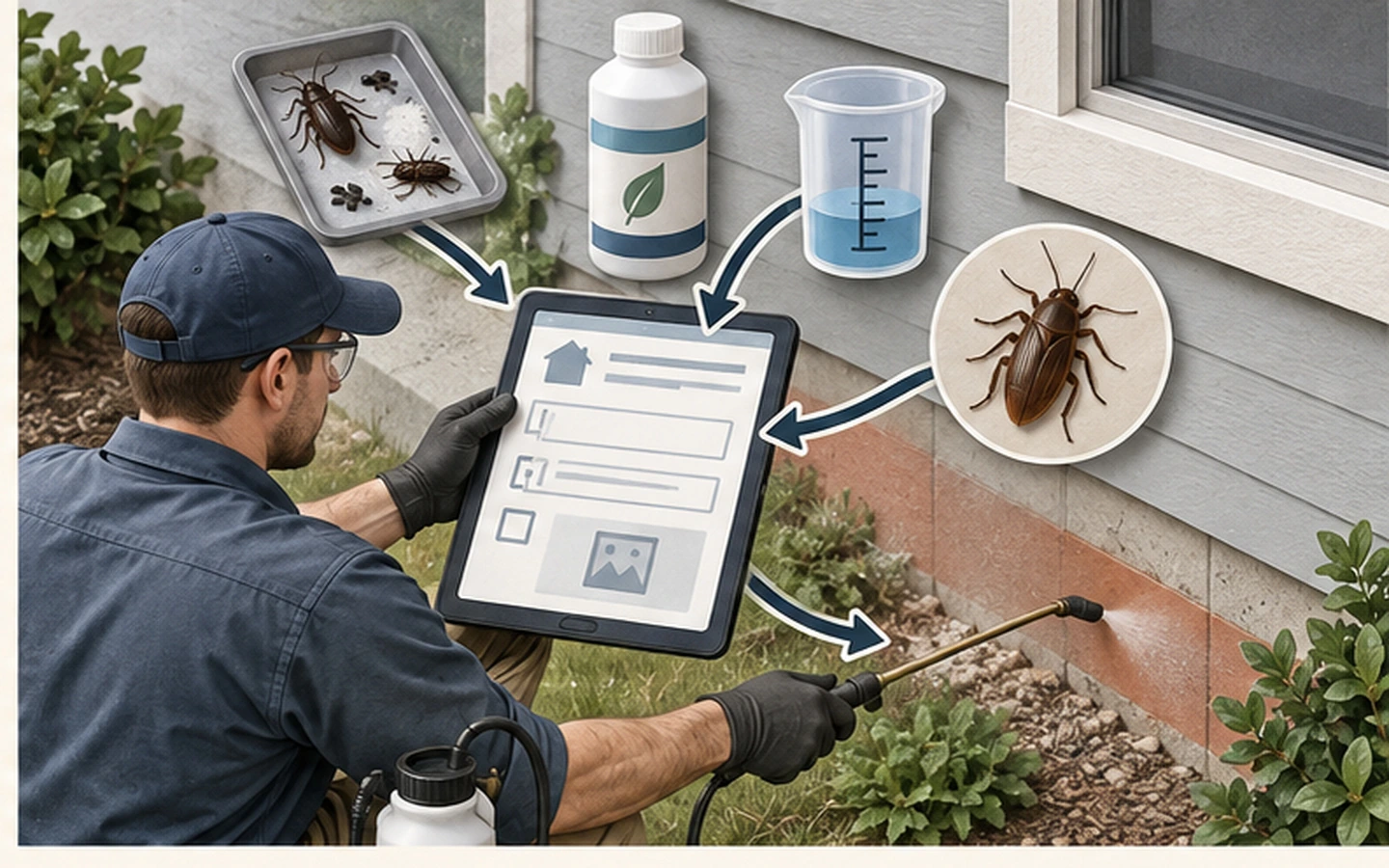
This is what makes pest control different. Depending on your work and where you are, you may need to record what you found, what you treated and what you used. If your jurisdiction requires chemical-usage logs, test the relevant forms, reporting and storage. Requirements vary, so check what applies to you first, then ask each vendor whether their product records what you need rather than assuming.
After the visit: recurring billing
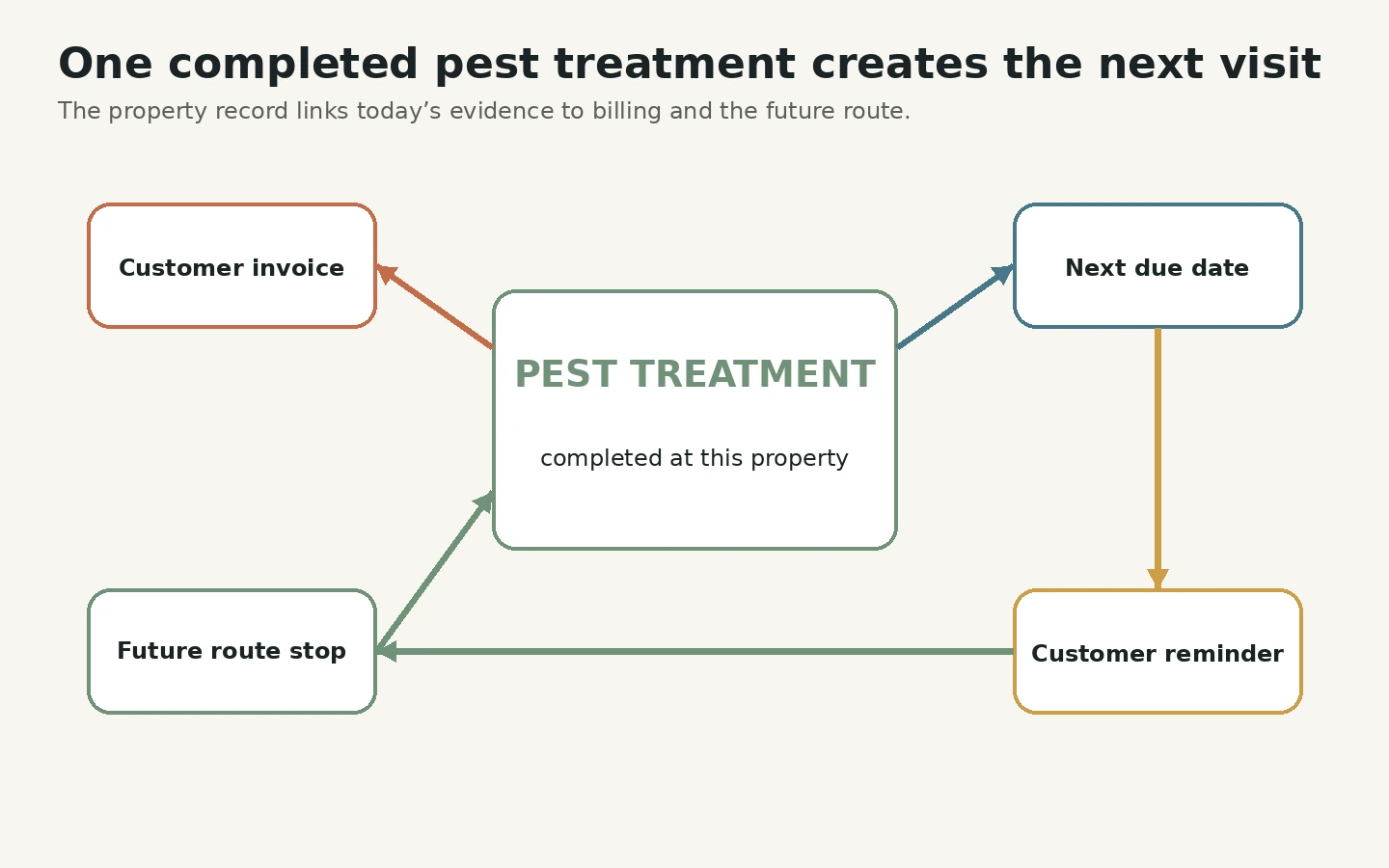
For repeat customers, billing should be automatic rather than something you remember on a Friday. Test how the software handles plan creation, scheduled reminders and billing runs.
Built for pest control
GorillaDesk is purpose-built scheduling, routing, invoicing and customer management for pest control, lawn care and recurring-route businesses. Its official materials connect route optimisation, reminders, chemical-tracking forms and recurring billing with the daily schedule, and it has a customer portal. That makes it a strong candidate for scheduled treatment work. If your business is mostly one-off jobs, test whether the recurring-service workflow helps or adds steps. Plans are published, and a free trial is offered. Check GorillaDesk pricing
FieldRoutes covers route optimisation, scheduling, billing, customer communication, sales-pipeline visibility, marketing support and reporting, and is owned by ServiceTitan. Its sales and marketing tools sit alongside route management. Pricing isn't publicly listed, so ask for a written quote and confirm what's included before comparing it with simpler platforms. Visit FieldRoutes
PestPac covers scheduling, routing, billing, chemical tracking, WDO/WDI inspections, customer agreements and reporting, with an emphasis on multi-location operations. That scope may suit a business with complex compliance or branch requirements, but the public information isn't enough to judge the implementation effort or the fit for a small operation. Request a written quote and implementation scope. Visit PestPac
Briostack covers scheduling, routing, billing, customer management, chemical tracking and reporting, and markets to pest-control businesses of various sizes. It's worth comparing if GorillaDesk and FieldRoutes don't feel right, though pricing isn't public, so you'll need to request a quote. Visit Briostack
General platforms with pest-control features
Jobber markets explicitly to pest-control businesses, and its official materials document scheduling, recurring work, invoicing, client communication, route optimisation and chemical tracking. It's a candidate if you also provide other services and want one general platform. Compare its chemical-reporting depth, record retention and plan limits with a purpose-built product during a trial, and confirm that its options meet your local requirements. Check Jobber pricing
Housecall Pro publishes a pest-control offering, and its materials document one-time and recurring jobs, custom checklists, routing, reminders and online booking. It's a candidate when online booking and customer communication are priorities. The pages we reviewed didn't document a dedicated chemical-use record workflow, so verify forms, reporting and retention if you need them. Check Housecall Pro pricing
Which fits which business?
- A solo operator: start with the purpose-built option, GorillaDesk, and compare Jobber if your work is a mix of one-off jobs and repeat visits. Focus on recurring visits, records and billing.
- A small team (two to ten): you need reliable technician schedules, chemical records and customer history. Count independently travelling technicians, because some products price by route or schedule rather than by ordinary login. GorillaDesk's Basic plan, for example, is $49 for one route, $149 for three and $209 for five.
- A business with complex compliance or several branches: PestPac, FieldRoutes and Briostack are built for that scale, but confirm with each vendor that a small business is well served, and get pricing in writing.
Testing with a real route
Don't judge from a demonstration. Use a real route:
- Map a complete route day. From arriving at the door to recording treatments, collecting payment and reporting, see where information is rewritten or lost.
- Test recurring billing. Check plan creation, scheduling, automated reminders and billing runs.
- Check chemical tracking. If your jurisdiction needs usage logs, test the forms, reporting and storage.
- Test route optimisation. Compare a representative route with your current process and note the real difference in travel time.
- Calculate the total cost. Include subscription, seats, add-ons, payment fees and implementation. A purpose-built platform that reduces daily friction may cost less overall than a general tool with workarounds.
- Run a trial with real routes. The product that completes a full route day with the least overhead, at the right cost, is the right choice.
If you're weighing a specialist against a general tool, read Jobber vs GorillaDesk. For the sums, use our cost guide.
Sources
All product facts were checked on 3 September 2026 against official product and pricing pages. GorillaDesk plan prices were rechecked on its live selector on 27 September 2026. Where pricing is not publicly listed, this guide says so. Contact each provider for a current quote.