
Buying guide
How to Choose Simple Field-Service Software for a Small Business
Every product looks good in a demonstration. The only way to know is to test it on your own work. Here's a step-by-step way to do that.
 9 min read
Most of us choose software the way we choose a takeaway: we read the descriptions, pick the one that sounds best and hope. Then, three weeks in, we find that the phone app is fiddly, or the invoice can't be changed, or the price was for one person and there are three of us.
Field-service software can bring enquiries, quotes, schedules, job notes, invoices and payments into a single workflow. That promise is real, and it also makes choosing hard, because a system can look brilliant in a demonstration and then fall over in the van, at a customer's property or during a busy schedule change.
This guide gives you a way through, in the order the problems tend to show up. First you map one real job, then you decide what has to work on your phone, price the products against your actual team, test the hand-off between office and field, check how quoting and invoicing fit with your accounts, and plan the set-up properly. At the end there's a 14-day trial plan that pulls it all together, so you can make the decision from evidence.
A quick word on what "simple" means. For a solo owner, it means the smallest plan that can take one customer from enquiry to paid invoice, without turning into a miniature office-administration project. For a team of two to ten, it means the owner doesn't have to repair every hand-off. Keep that in mind as you go.
Step 1: map one real job from start to finish
Before you look at any software, write down what happens on a real job, from the first enquiry to the final payment. Include who touches it, what information changes hands, and where things get delayed or typed twice.
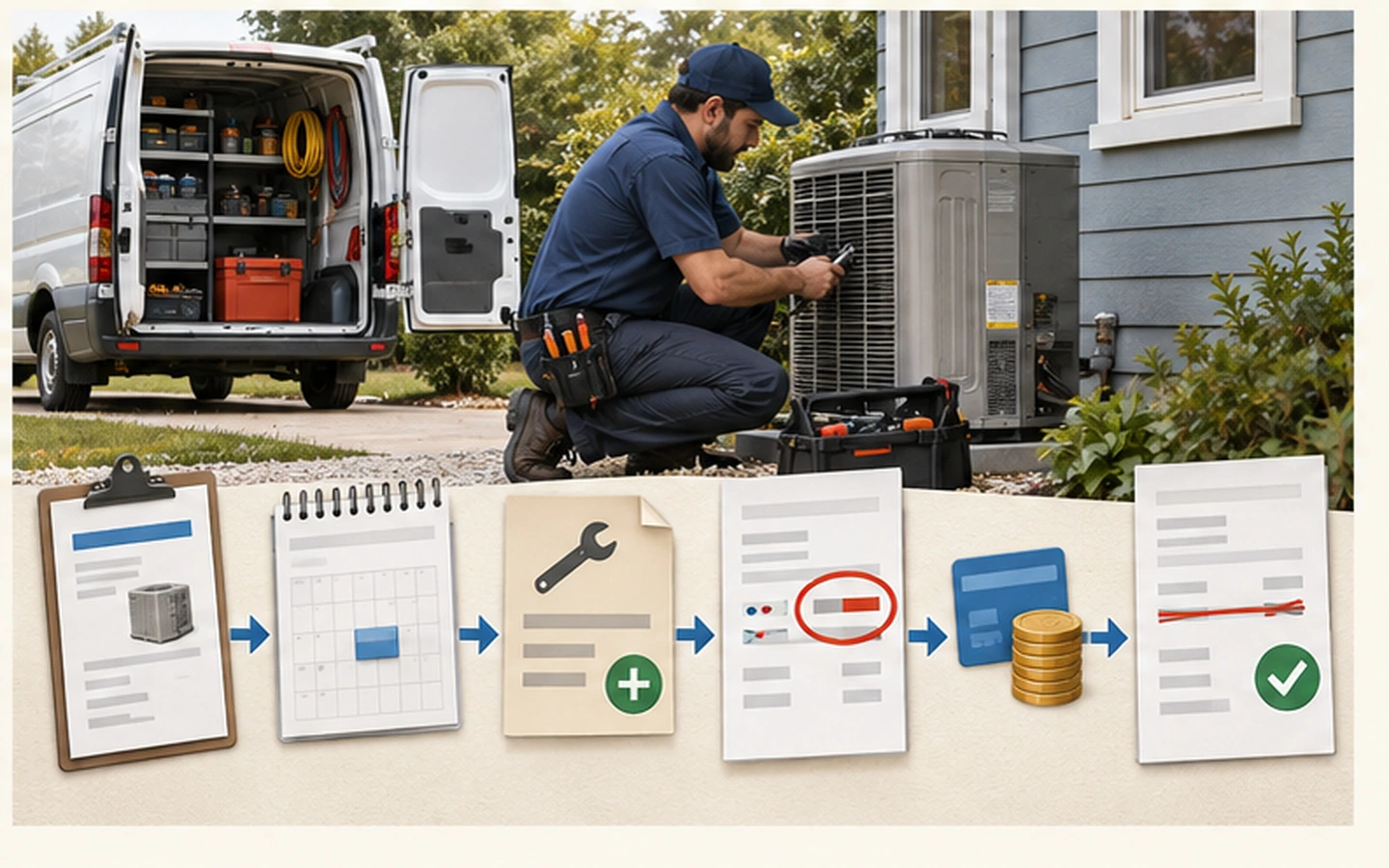
- Customer enquiry and qualification
- Site visit or remote estimate
- Quote, approval and deposit
- Scheduling and assignment
- Travel and customer communication
- Work notes, photos, forms and signatures
- Variation approval
- Invoice, payment and follow-up
This list is your test. A trial should reproduce it with a realistic job, and you should record every workaround at a critical hand-off. A product is good for you if it strengthens the weak links in your chain. Features that don't touch it are noise.
Step 2: decide what must work on your phone
Once you've mapped the job, ask where it happens. For a field team, the mobile experience isn't an extra. It is part of the product. Test it on the specific phones or tablets your team will use, and check that you can:
- create and update job notes from the field
- attach photos to the correct job
- capture forms, certificates or signatures
- record time, materials and variations
- see schedule changes clearly
- carry on with essential work when the signal is poor, if you need that
If a step is awkward when you're standing in a customer's driveway, it will be worse on a busy Friday.
Step 3: price the products against your real team
With the job mapped and the phone tested, look at the cost. Some platforms charge per user, while others offer unlimited users but vary features or usage allowances. Calculate the first-year cost for today's team and for a plausible larger one, and include add-ons, payment fees, migration and training. Our full cost guide walks through it.
Step 4: test the hand-off from office to field
Now put the system under a little pressure. Ask what happens when a customer changes an appointment, an urgent job appears, or a worker can't attend. Look for usable assignment, clear status, customer notifications and a record of who changed what. If the owner ends up fixing every hand-off, the system isn't easy to use, however tidy it looks.

Step 5: check where quoting, invoicing and your accounts meet
Decide which system is the authority for customer records, prices, tax, invoices and payment status. Then, in the trial, walk one job through the whole loop: create a quote, convert it to a job, add a variation, issue an invoice, record a part payment and correct one deliberate mistake. That single exercise shows you more than a feature list will.
Step 6: treat set-up as part of the purchase
Finally, decide who owns the set-up, data cleaning, templates, permissions and training. A smaller product that is set up properly often creates more value than a broader system left half configured.
Choose the smallest system that reliably supports the workflow you need now, with enough room for the next stage of the business.
Putting it together: a 14-day trial
Here is how to run all six steps in two weeks. Give one office user and one field user the same script, and add realistic permissions for a third or fifth login if you'll have them.
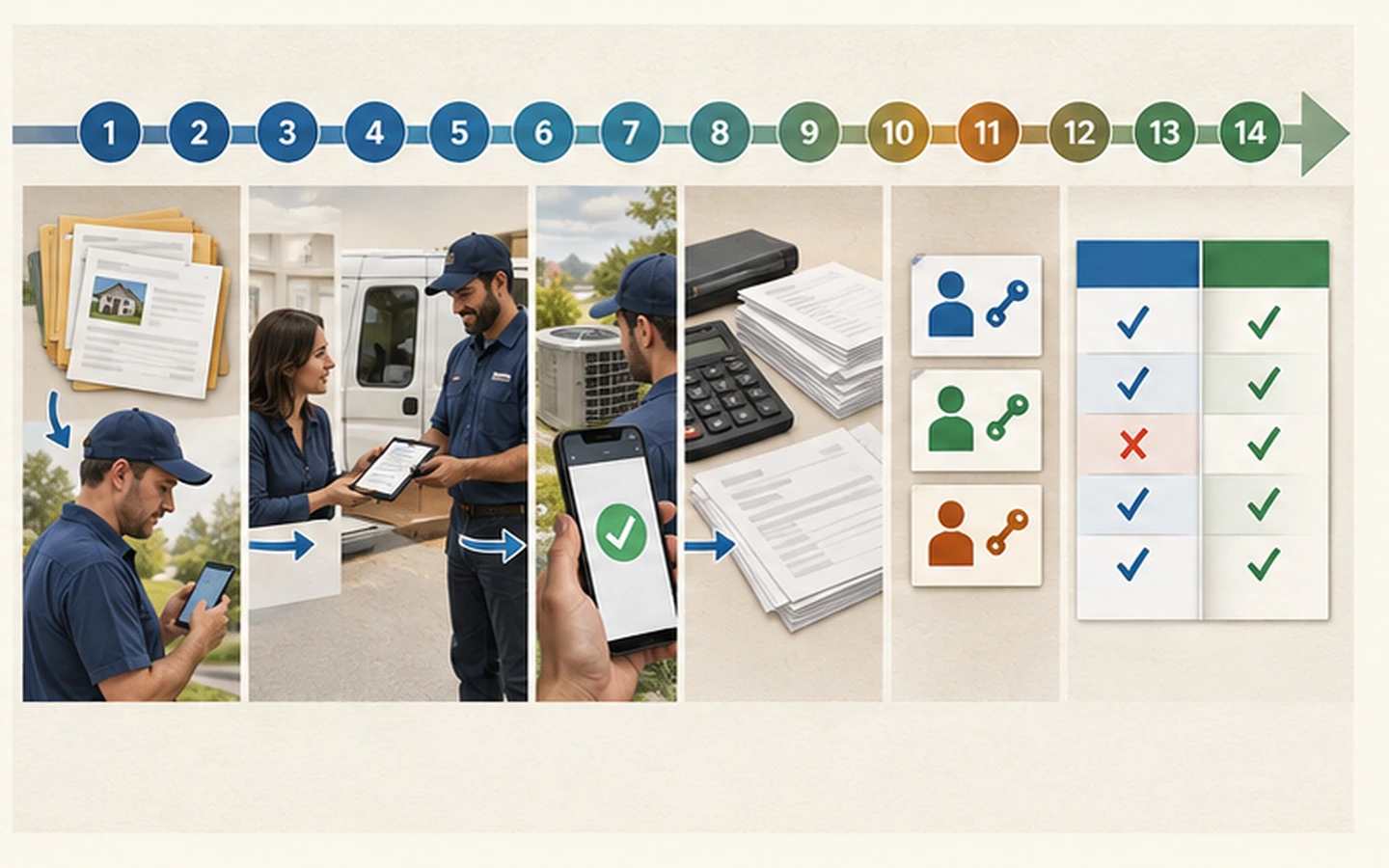
| Period | Test | What you're collecting |
|---|---|---|
| Days 1 to 2 | Configure services, users, taxes, templates and permissions. | Setup time and questions |
| Days 3 to 5 | Run three realistic jobs, including one reschedule. | Hand-offs and workarounds |
| Days 6 to 8 | Test mobile notes, photos, forms and connectivity. | Field-worker feedback |
| Days 9 to 11 | Complete quote-to-invoice and accounting workflows. | Duplicate entry and sync issues |
| Days 12 to 14 | Test reporting, permissions, export and cancellation. | Decision log and total cost |
If you're testing more than one product, use the same jobs and the same way of scoring in each, so the comparison is fair.
Questions to ask before you pay
Keep this list handy when you speak to a provider:
- Which features are available on the plan I'm considering?
- Is pricing per user, account, job or something else?
- Can records, photos and documents be exported in a usable format?
- How are payment processing and messaging charged?
- What support is available in my country and working hours?
- Which changes need administrator permission?
Your next step
If you don't have a shortlist yet, our guide to the best field-service software narrows eight products to two in a few minutes. Then run the 14-day plan on both. Make the decision from what the trial showed, not from what the sales demonstration promised.