
Free plans & trials
Free Field Service Software: What You Actually Get
A free plan has an allowance; a free trial has an expiry date. Check what remains usable after the trial ends.
 8 min read
A free trial and a free plan solve different problems. A trial gives you time to choose software; a free plan lets you keep using it without a subscription charge, within stated limits. Of the six offers compared here, ServiceM8's UK Free plan is the ongoing option: one user and 30 new job credits per month, with a way to earn extra credits through card payments.[1], [2]
The useful question is not just “Is it free?” It is “Can I still quote, schedule and invoice my normal workload after the trial ends?” This guide separates those two decisions. It is a focused check of six products already covered by TradeTechPick, not a claim that ServiceM8 is the only free field-service product on the market.
Three different promises, one word
A free trial has an end date. Jobber, Tradify and GorillaDesk each advertise 14-day trials in the official information checked for this guide.[10], [4], [5] Housecall Pro and ZenMaid confirm the same duration on their pricing pages.[12], [7] That is time to evaluate paid software, not a promise of ongoing free use.
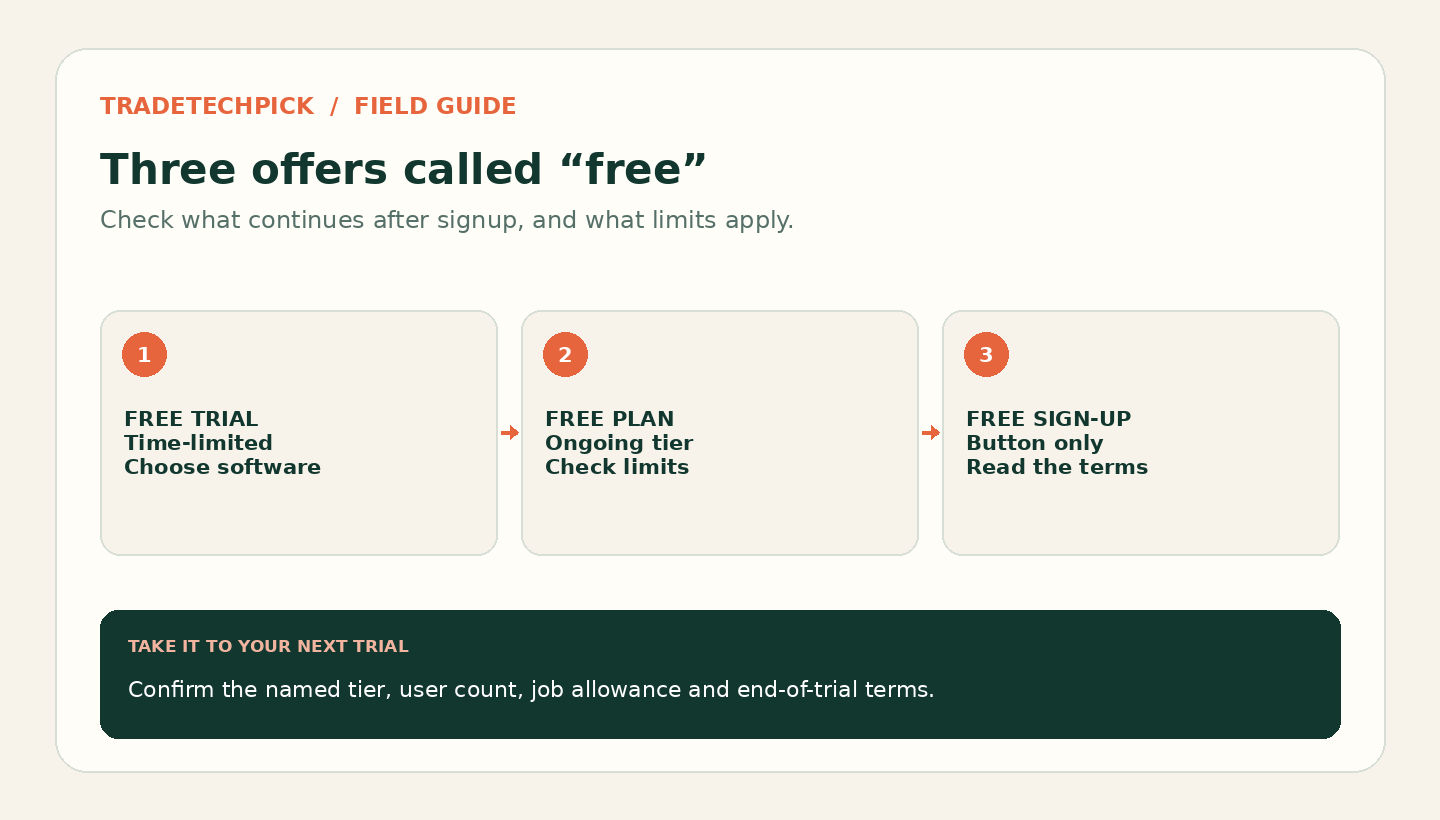
A free plan is a continuing subscription tier rather than a countdown. ServiceM8 lists its UK Free plan with no monthly subscription charge, one user and a monthly job allowance.[1] “Ongoing” describes the current offer, not a guarantee that the provider will never change its plans.
Free sign-up tells you little on its own. A button saying “Get started free” is not a plan specification. Open the pricing page and look for the named tier, its limits and what happens at the end of the introductory period. A free demo is a demonstration, not necessarily an account you can use to run jobs.
Comparing what is actually free
| Product | Free offer checked | Time limit and card requirement | Decision before you rely on it |
|---|---|---|---|
| ServiceM8 | Ongoing Free plan, plus a separate full-feature trial | Free tier has no trial countdown; 14-day trial needs no card | One user and 30 new job credits per month before earned Bonus Jobs. Judge the Free tier, not everything unlocked during the trial.[1], [2] |
| Jobber | Trial of paid software | 14 days; no credit card required to start | Choose a paid plan for continuing use. Trial feature access is not a promise that the lowest-priced plan includes the same tools.[9], [10], [11] |
| Tradify | Trial including all features | 14 days; no credit card required | Select the paid plan that includes the features you actually used. Lite, Pro and Plus have different feature lists.[3], [4] |
| GorillaDesk | Trial of paid software | 14 days; no credit card required | Check the paid plan and route/schedule count before moving your routine work across.[5], [6] |
| Housecall Pro | Trial advertised with MAX-plan access | 14 days; no credit card needed to start | Continuing use needs billing details. Do not assume every feature you trialled is on Basic.[12] |
| ZenMaid | Trial of cleaning-business software | 14 days; card requirement not established by the checked public pricing and initial sign-up pages | Confirm activation and billing terms before proceeding. Starter is a paid tier, not a free plan.[7] |
The card column is about starting the trial, not permission to ignore billing after subscribing. A trial that requires no card is not automatically charging you on day 15. Housecall Pro specifically says an expired trial can resume when you enter billing information; Jobber's subscription guide describes selecting a plan and confirming the subscription.[12], [11] If you do subscribe, record the renewal date and cancellation route.
ServiceM8: count new records, not completed jobs
For a genuinely solo operator with a light workload, ServiceM8's UK Free plan can be a real answer. The current free-plan page lists job cards, scheduling, quotes and invoices, client history, online bookings, card payments, CRM automation, accounting integrations and reporting.[2] It is not accurate to assume that free automatically means no automation or no accounting connection.
The important limit is new job cards, not paid invoices. ServiceM8 says creating a new job card consumes a job credit, whether it starts as a quote or a work order. Changing an accepted quote into a work order does not consume another credit.[2] Count quotes that do not turn into work as well as the jobs you finish.
Here is a fictional planning example: a sole trader creates 24 quote cards and eight separate work-order cards in a month. That uses 32 new job credits, even if only 18 jobs are completed. The same business could look comfortably below a “30 completed jobs” limit while exceeding the actual base allowance. Do not open a second card just to convert an existing quote into booked work.
ServiceM8 also lets Free-plan users earn a Bonus Job credit when they take a card payment through ServiceM8 and Stripe. Those credits are added in the current billing cycle and reset at the next cycle; payment processing has transaction fees.[8] Treat the bonus as a benefit of a payment method that already suits your business, not as evidence that payment collection costs nothing. If customers normally pay by bank transfer, budget around the base allowance instead of relying on bonus credits.
What the Free plan does not settle
People. One user is the limit, even if your job volume is low. An office assistant or a second technician who needs a separate login changes the decision. ServiceM8's pricing page lists unlimited users on its paid tiers, but those tiers still have job allowances.[1]
Messages, support and specialist forms. The UK comparison table lists no included SMS allowance and self-serve support for Free.[1] Check message charges before enabling reminders. ServiceM8 says Free-plan customers can buy and use forms from its Form Store, while building custom forms requires Growing or higher.[2] “Forms available” is therefore not the same as “all forms included at no charge”.
Your phone. Do not rely on old descriptions of an Android Lite app. The current UK free-plan FAQ describes ServiceM8's Android app as almost identical to iOS, including managing jobs and schedules, client communication, quoting, invoicing and contactless payments.[2] That is the vendor's description, not a device-by-device test by this publication. Run the exact workflow on your phone, including any required forms and payment setup, before committing customer records.
Trial-only features. ServiceM8 says its trial provides full feature access.[2] Write down which tier includes each feature you intend to keep. A successful trial can still lead to an unsuitable free plan if the successful step depended on a paid feature.
A cheap paid tier is not a free tier
ZenMaid illustrates why the distinction matters. Its Starter plan includes a mobile app without cleaner GPS tracking and permits up to 40 appointments per month. Pro adds digital checklists and cleaner GPS tracking, with unlimited appointments. Those are paid-plan differences, not limits of a free ZenMaid tier.[7] Use ZenMaid's pricing page to check the team selector and SMS charges for your own staffing level.
Likewise, Tradify's trial includes all features, while the paid Lite, Pro and Plus lists differ.[3] Trying a recurring-job feature or a reporting tool does not establish that it is in the entry plan. Keep a short list of the features you actually use and check that list against the plan you would buy, not just the trial screen.
Three questions before you sign up
- Does this offer expire? Record the end date, what continuing access costs and whether you must actively subscribe. Check the web or app-store billing route you are actually using.
- What does the allowance count? Count new quotes or job cards, appointments, users or routes as specified. Use a busy month, including unsuccessful quotes and rescheduled work, rather than only completed invoices.
- Can you leave with usable records? Before importing the entire business, confirm how to retain customer details, quotes, invoices, attachments and future bookings. Export access, format and any plan requirement are questions to settle before you depend on a system.
A sensible trial is small enough to reverse: one sample customer, one quote, one booking and one invoice, with test communications kept away from real customers until you are ready. Test the awkward step too, such as a declined quote, an extra visit or a changed scope. Then check the same workflow against the ongoing tier.
When free is the right call
Start with ServiceM8's UK Free plan if you need one login, your new-record workload fits its allowance and your required features fit the free tier. Check those conditions after the full-feature trial as well as during it. If you already know you need more users or paid-only features, use a trial to evaluate the subscription you would keep rather than spending weeks arranging your work around a temporary offer.
Upgrading within a product is not the same as migrating to a different one. The larger risk is learning a system that cannot support a requirement you already know about, then rebuilding records and routines elsewhere. Our field-service software cost guide explains how to budget beyond the subscription. For broader low-cost choices, use the solo-tradesperson software guide; for a shortlist to trial, see Jobber alternatives.
Choose the offer that still fits in week three. A free plan can be enough; a free trial can be useful. They should not be presented as the same thing.