
Invoicing & payments
Field Service Invoicing: Getting Paid Faster, Not Just Prettier
Send the right invoice to the right person, match billing to the job and keep payment exceptions visible before automating the chase.
 7 min read
Nobody pays an invoice they have not received. Count this week's finished jobs still waiting to be invoiced, the Sunday evening you have set aside for them, and the payment terms that start only once the invoice reaches the customer. The first delay is yours to fix before you start chasing theirs.
A better-looking template is not the first place to spend your time. Start with three questions: when does the invoice go out, does its billing schedule match the job, and what happens if the payment fails or never arrives? Those are workflow decisions, not design decisions.
Separate the two delays
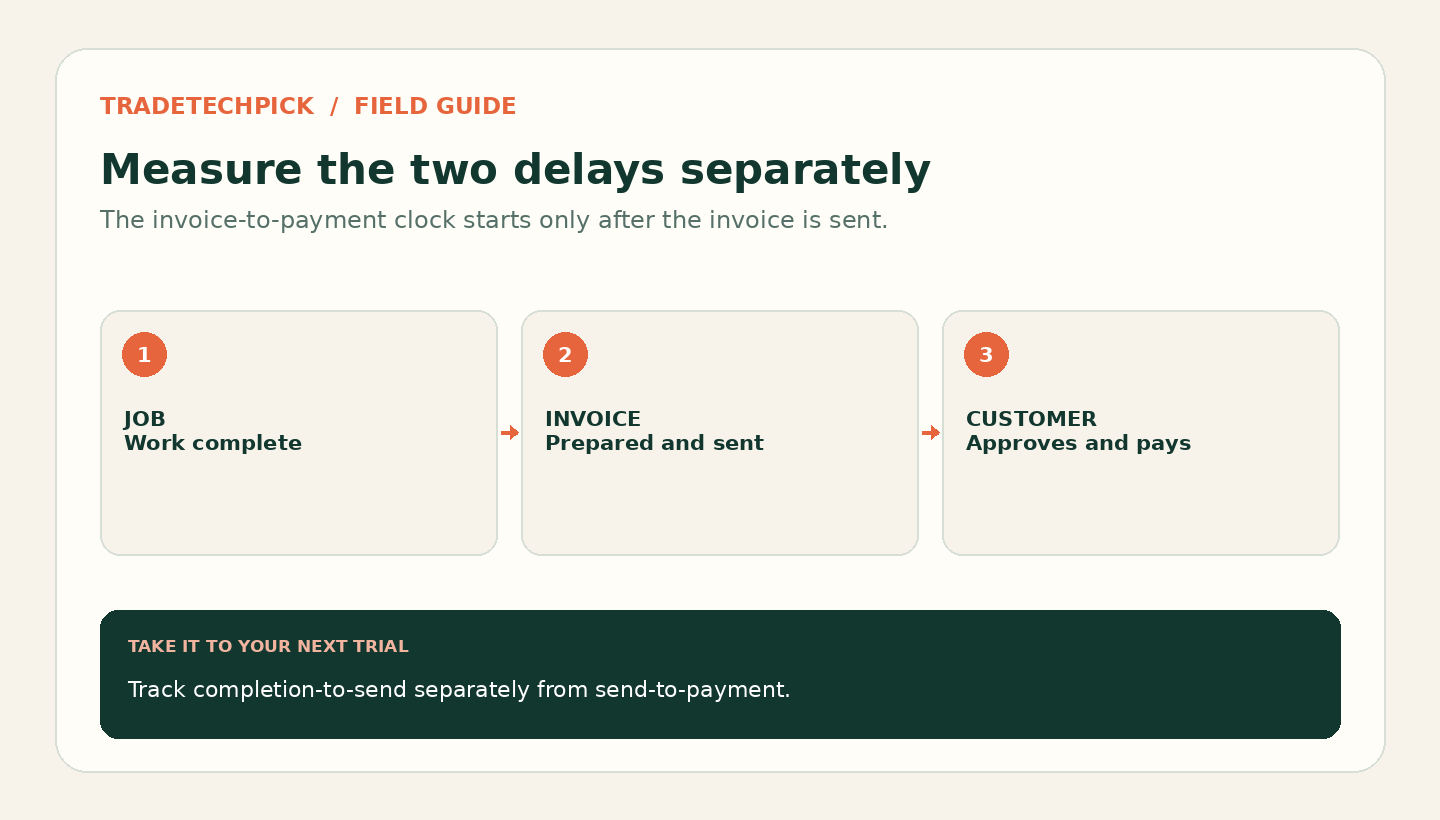
Treat job completion to invoice sent as one interval, and invoice sent to payment received as another. Keep the dates separate in your records. Otherwise a customer who pays within the agreed terms can look slow simply because the invoice sat in your drafts for a week.
For a straightforward domestic repair, prepare the invoice before leaving the job once the work and any extras have been agreed. Offer a payment link or the customer's agreed payment method while you are still available to answer questions. That removes your own batching delay; it does not guarantee immediate payment or override the terms you agreed.
Commercial work needs a different check. Ask who approves the invoice, where it must be sent and whether it needs a purchase-order number or completion record. Sending instantly to the wrong person is not an improvement. Make those requirements part of job setup, rather than discovering them after the due date.
Match the billing schedule to the job
One-off jobs: complete the agreed work, confirm any approved extras, send the invoice promptly and make the payment route obvious. If the customer pays on site, record the payment against that invoice so it is not chased again.
Multi-day or commercial jobs: consider agreed stage payments rather than leaving the whole balance until the end. Define the milestone, amount, approval evidence and due date before work starts. A deposit, a stage invoice and the final balance need to reconcile to the same agreed total. Do not bill the deposit again when you raise the final invoice. Our electrician software guide explains why service calls and staged projects need different workflows.
Recurring work: consider authorised automatic collection instead of manually requesting payment after every visit. GorillaDesk documents saved cards and autopay for recurring lawn-care services, alongside subscription billing and payment reminders.[1] That can remove a repetitive collection task, but it does not remove the need for an invoice or receipt, accurate service records or an agreed billing schedule.
Before switching a route to automatic collection, decide what happens when a visit is skipped, rescheduled or cancelled. Check how the system handles an expired card or failed charge. A recurring charge that no longer matches the service is a billing problem, not successful automation.
Find the hold-up before changing software
Review a small sample of recently completed jobs. For each one, note completion, invoice issue, due date, payment and any reason it was held. Classify the hold-up as an unsent invoice, missing approval, a disputed amount, a failed payment or an overdue undisputed balance.
Each needs a different fix. Unsent invoices need a clear owner and a same-day review. Missing approvals need the right reference or evidence. Disputes need a conversation. Failed payments need a retry or another payment method. Only the last group is primarily a reminder problem.
This is the useful distinction: automate the next action, not every unpaid balance. A reminder can prompt someone who forgot. It cannot correct an unapproved variation or make a cancelled visit billable. You may be able to fix the process with the software you already use.
Remove the chase, but keep the exceptions visible
GorillaDesk lists invoice and payment reminders, while QuoteIQ's Essentials page lists automated payment reminders among its invoicing features.[1], [2] Those are documented features, not proof that either product fits your exact reminder rules. Check the plan and settings in your own account.
Choose a reminder schedule that follows the agreed due date. Test it on a dummy invoice: confirm the message, the recipient, the payment link and what stops it. Then record a payment manually and check that the reminder no longer goes out. This matters when a customer pays by bank transfer rather than through the invoice link.
Keep a short exception list for disputed invoices, promised payment dates and failed collections. Review it regularly rather than treating every item in the overdue report as an identical case. Avoid sending an automatic demand while someone is waiting for you to correct the invoice.
Know what collection costs
Do not assume the software subscription includes payment processing. QuoteIQ's current Essentials page says processing fees vary by payment method, account configuration, risk profile, industry and volume, with rates quoted per account rather than published.[2] It does not support assuming a fixed Stripe-only rate with no other platform fee.
Ask for the charges that apply to your account: the percentage, any fixed transaction charge, refund treatment, disputes, international cards and any different rate for a saved card. Also distinguish a successful customer payment from money available in your bank. Check payout timing and possible holds before relying on collections to fund tomorrow's materials.
Use an actual month's payment mix when comparing options. Apply each quoted percentage to the value collected through that method, add the fixed charge for each transaction, then add any other applicable fees. Compare the result with the admin time and cash-flow benefit you expect, rather than assuming card payment is always worth the cost. Our field-service software cost guide puts transaction charges alongside subscriptions and other operating costs.
Before you send the invoice
- Does it match the agreed scope, including any variation the customer approved?
- Should this amount be billed now, at an agreed milestone or on a recurring schedule?
- Have deposits, earlier stage invoices and credits been accounted for correctly?
- Will it reach the person who can approve payment, with the required reference and evidence?
- Is the payment method clear, and is the due date consistent with the agreement?
- Will reminders stop when payment is recorded, including payments made outside the software?
Change one habit first
Pick the hold-up you actually found. If invoices wait until Sunday, start issuing completed, agreed jobs promptly. If commercial invoices bounce back, fix the approval details at booking. If repeat customers need the same manual collection every visit, test authorised recurring billing with a small, suitable group first.
After a fortnight, compare completion-to-invoice time separately from invoice-to-payment time, and look at disputes or failed collections as well as speed. That tells you whether the change helped without blaming customers for an internal delay.
If you are still selecting a system, use the field-service software shortlist or solo-tradesperson guide to narrow the options. Then run one real invoicing scenario from agreed work through payment and reconciliation. A polished invoice is useful only when the right person receives the right amount and the record closes correctly.
Sources
Official pages checked 6 October 2026.