
HVAC software
Best HVAC Software for Small Businesses
HVAC work has a rhythm of emergencies, maintenance and installs. The right software respects it. Here's how to match your tools to the year you actually have.
 11 min read
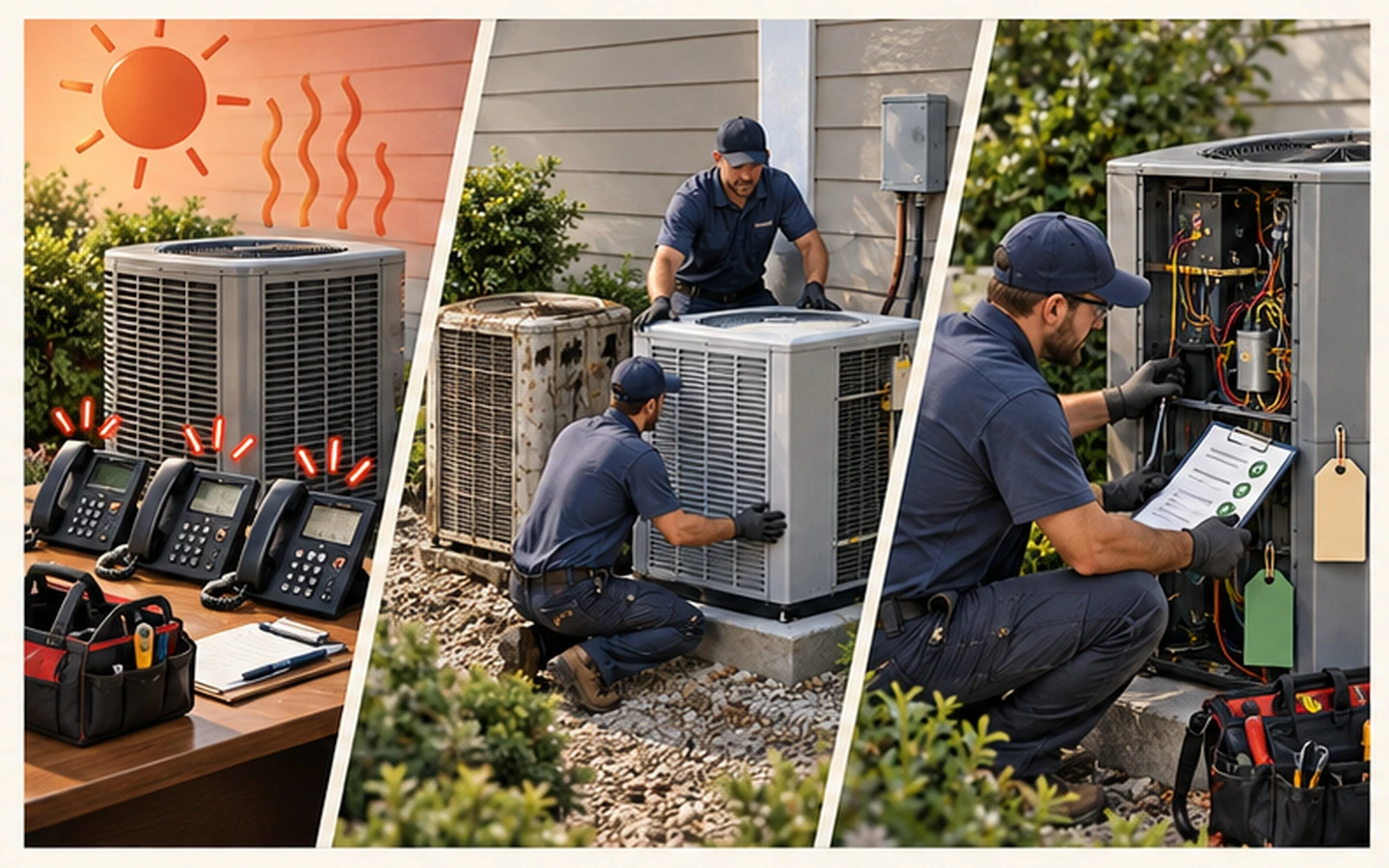
The first properly hot weekend of the year, the phone doesn't stop. Air conditioning that ran fine last summer is suddenly failing, customers are hot and unhappy, and every one of them wants you today. A few months later the same business is quiet, and the job is to fill the gaps with servicing and follow-ups.
HVAC work splits into three kinds, and each puts different pressure on your software. Emergency call-outs need fast scheduling and a mobile-friendly job card. Planned maintenance needs automatic reminders and equipment history. Installations need accurate quoting, materials tracking and multi-day scheduling. Most software guides just compare features. This one walks through the three kinds of work and asks what each needs, then looks at six products that explicitly support HVAC businesses.
We'll go from general home-service tools through to HVAC-specific platforms, and finish with a way to test them against your own year. If you're a solo owner, the aim is quick estimates, equipment notes, recurring-maintenance reminders and payment collection without a separate dispatcher, and it's worth confirming all four work on the plan priced for one user.
When the phone won't stop: emergency call-outs
In the rush, the problem is capacity. You need to book jobs quickly, see the whole team's day at a glance and reshuffle when an emergency lands. A schedule that's slow or awkward on a phone will fail you exactly when you're busiest. Test dispatch changes across office and field logins, not just on the demo account.
When you're at the unit: estimates that win the job
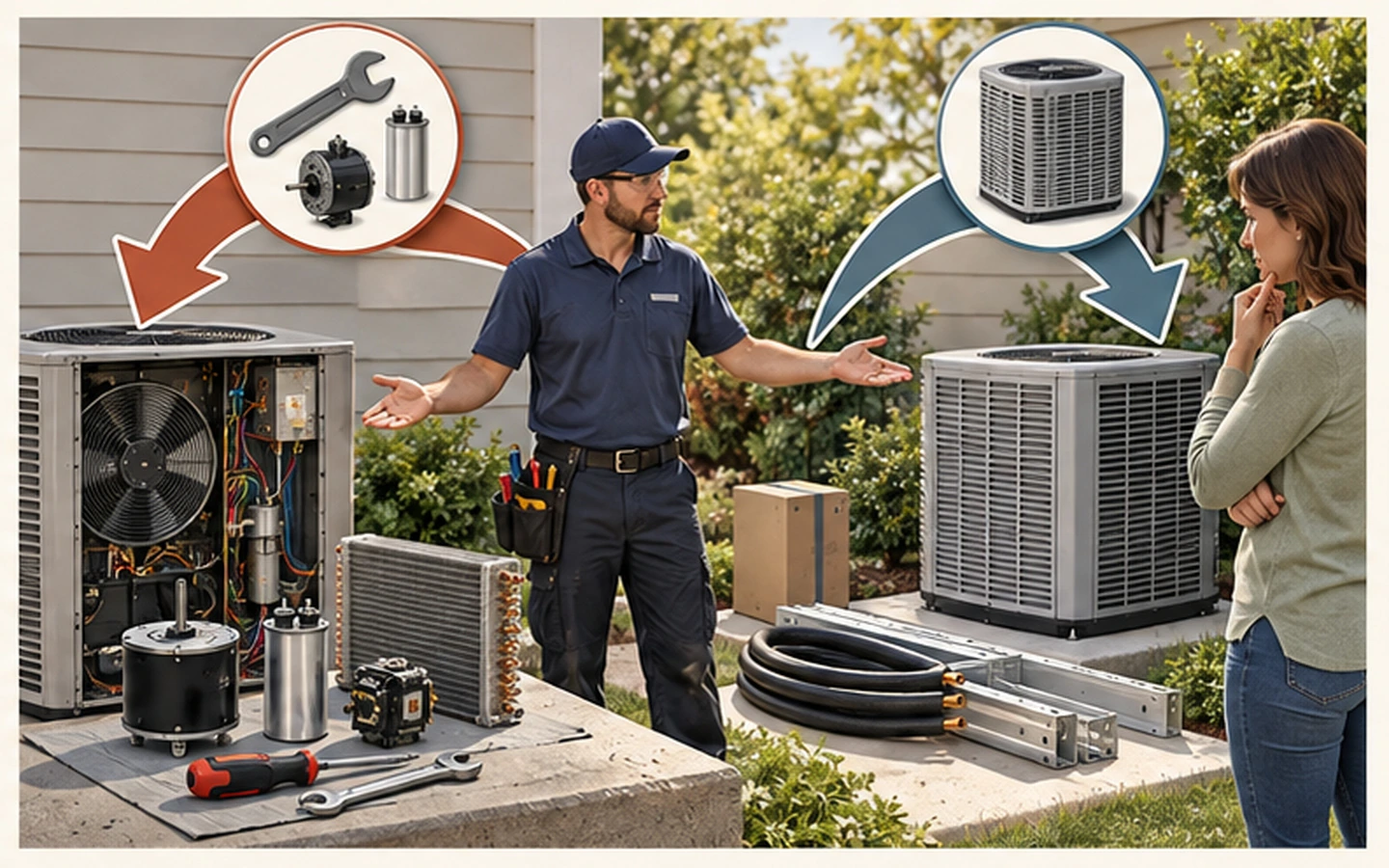
HVAC visits often end in a decision: repair or replace. That means the estimate has to be clear, fast and, ideally, offer options while you're standing at the equipment. If you use flat-rate pricing, test whether the platform's estimating workflow makes pricing faster, not slower.
The steady part: maintenance agreements
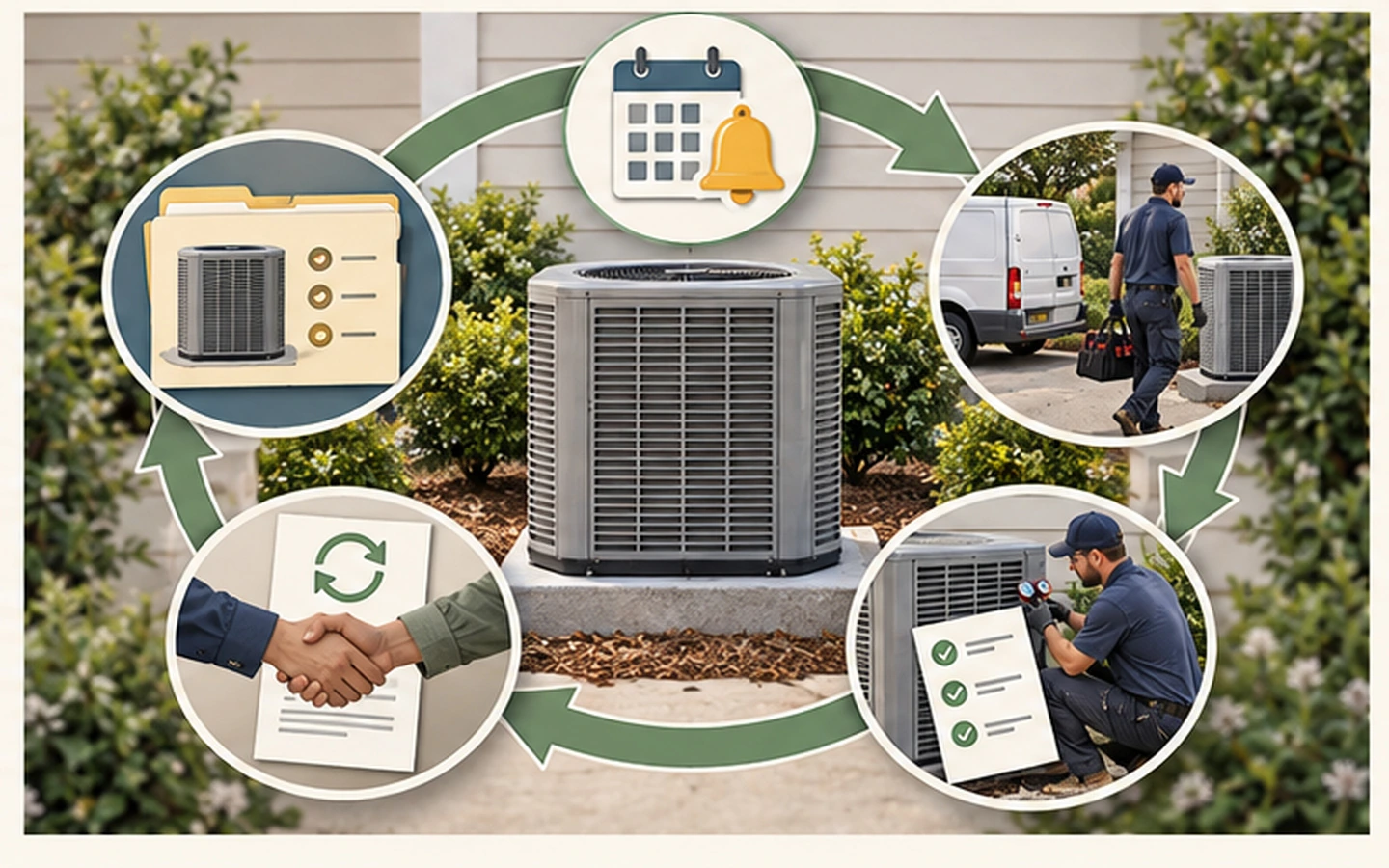
This is where a small HVAC business becomes steady, and it's the biggest difference between products. You want recurring visits that schedule themselves, records tied to each customer's equipment, and renewal dates you can act on. If tracking equipment history or renewal dates matters, test that workflow with a real customer record before you commit.
Broad platforms that serve HVAC businesses
These are general home-service tools whose official materials explicitly market to HVAC.
Jobber covers scheduling, CRM, quoting, invoicing, job forms and client communication. Its HVAC page documents recurring maintenance scheduling, inventory management and job costing, including labour, materials and equipment costs, and client communication and online booking are built in. If a dedicated flat-rate catalogue or property-level equipment history is essential to you, confirm the exact workflow and plan availability directly. Check Jobber pricing
Housecall Pro adds dispatch and a branded consumer booking page. Its estimate-to-job workflow suits call-outs and installations, and its HVAC page documents equipment tracking, maintenance agreements, flat-rate pricing and job costing, with several of those limited to its Essentials and MAX plans. Check the current plan matrix and any parts integrations against your workflow. Check Housecall Pro pricing
Service Fusion covers scheduling and dispatch, estimates, mobile field tools, fleet tracking and QuickBooks integration, and markets to HVAC, plumbing, electrical and appliance repair businesses. Its HVAC page reports more than 6,500 customers. Pricing requires a quote, so confirm current pricing and trial availability directly, along with local support and any integrations you rely on. Check Service Fusion pricing
HVAC-focused platforms
ServiceTitan serves commercial and residential HVAC contractors, with proposals, job costing, CRM, reporting, service agreements, pricing and client-portal capabilities. Pricing isn't publicly listed. Whether it suits a smaller HVAC business depends on the modules you need, the implementation effort, the contract terms and the quoted total cost, so get a demonstration and a written quote before comparing it with simpler platforms. Visit ServiceTitan
FieldEdge focuses on HVAC, plumbing and electrical contractors, with dispatch, flat-rate pricing, service agreements, mobile forms and QuickBooks integration. It makes sense for a contractor who is running on paper or spreadsheets and wants to move to a structured, industry-specific platform. The frustration is that pricing isn't public, so you can't compare it side by side. Ask for a number early and treat it as part of your total-cost comparison. Visit FieldEdge
QuoteIQ now combines quoting with invoicing, scheduling, payments and customer records. Route optimisation and inventory are listed in its Elite plan, so compare the plan gates and test its dispatch and customer self-service workflows before choosing a plan. Plans are published. Check QuoteIQ pricing
Which fits which HVAC business?
- A solo owner: confirm quick estimates, equipment notes, maintenance reminders and payment collection all work on the one-user plan. Jobber, Housecall Pro and QuoteIQ are the natural starting comparisons.
- A small team (two to ten): test dispatch changes, equipment history and maintenance agreements across office and field logins. Custom-quoted enterprise systems deserve consideration only when their extra structure solves a problem you have actually measured.
- A growing business moving off paper: FieldEdge and Service Fusion are worth a conversation, and ServiceTitan if your operation is heading towards larger, more complex work.
Test it against your own year
Choose a trial period just before your busy season if you can, and run a plan like this:
- Map your service mix. Emergency calls, planned maintenance and installations make different demands on quoting, scheduling and technician tools.
- Test flat-rate pricing if you use it. The estimating workflow should make pricing faster, not slower.
- Check equipment and maintenance records. Test that workflow with a real customer record.
- Test mobile in the field. A technician must be able to open job details, record time and materials, capture photos and get customer sign-off in the van or at the property.
- Calculate the total cost. Include subscription, users, add-ons, payment fees and implementation. An expensive platform that fits can cost less than a cheap one that creates admin.
- Run a trial with real jobs. Use at least one emergency call-out and one planned maintenance visit.
Our cost guide helps with step five, and the 14-day trial plan helps with step six.
Sources
All facts were checked on 3 September 2026 against official product and pricing pages. Where pricing is not publicly listed, this guide says so. Contact each provider for a current quote.