
Costs & Pricing
How to Quote From Photos When You Can't (or Shouldn't) Visit the Site
A forty-minute drive just to say 'yes, I can do that'. How to quote from photos, what to ask customers to send, and the jobs that still need a visit.
 13 min read
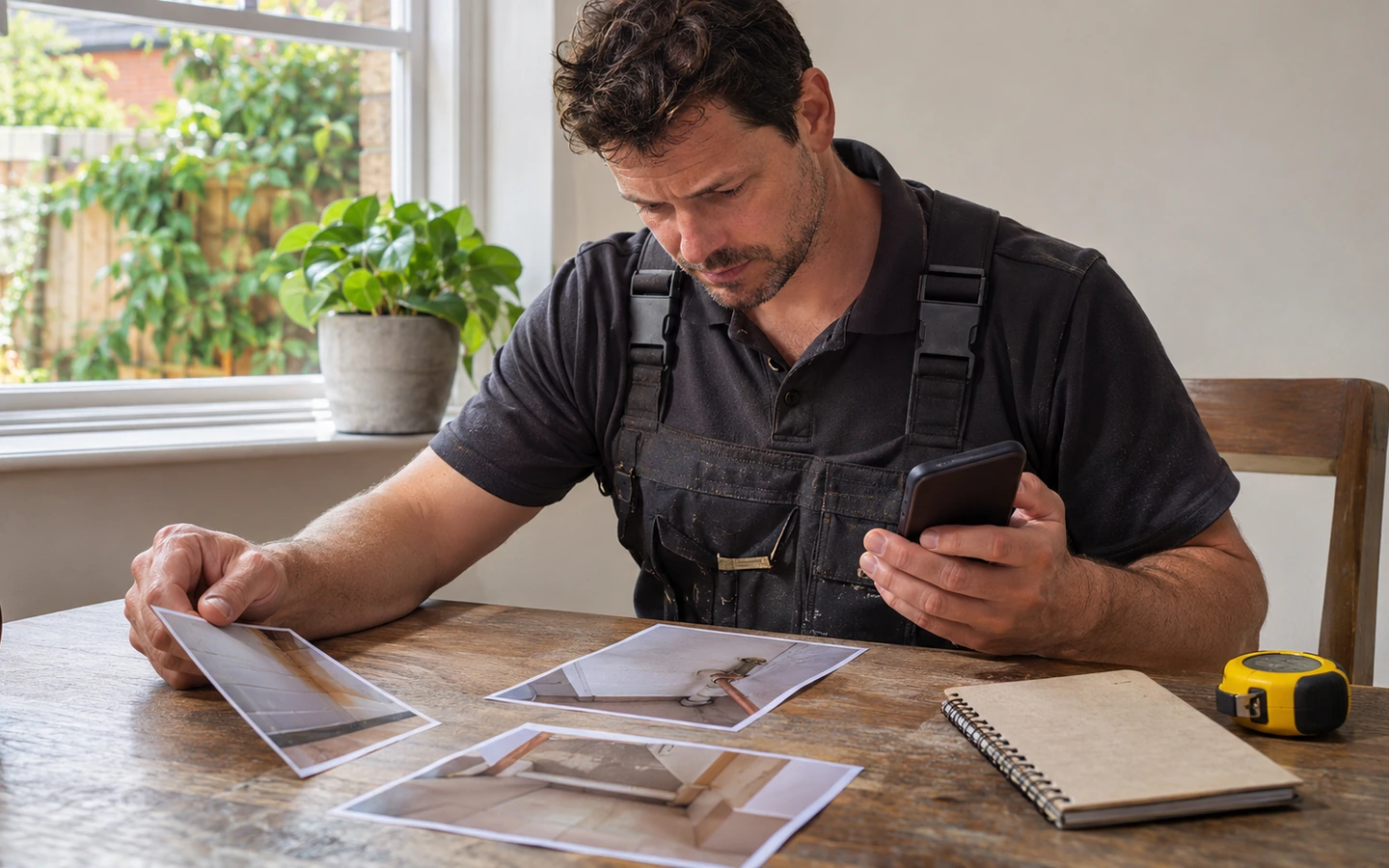
You can quote from photos for many jobs without ever visiting the site, as long as you ask for the right pictures and are honest about what they can't show.
A customer sends you a message. They want a quote for a new outside tap. They live forty minutes away.
You could drive over, look at the wall, measure the run, chat about the colour of the tap and drive back. That's nearly two hours for a visit that might not lead to a job.
Or you could ask them to send a few photos, look at them over a cup of tea and send a price that afternoon.
If that second option makes you nervous, you're not alone. Photographs can mislead. Customers don't know what to capture. And there's always the fear of quoting something that turns out to be harder than it looked.
But many jobs can be quoted well from pictures, and doing so can win you work while others are still arranging a visit. This guide shows how to quote from photos safely. You'll learn how to get customers to send the right ones, a simple technique that makes the photos far more useful, how to protect yourself against surprises, and how to tell which jobs need a proper visit.
Why a site visit isn't always the right first step
Site visits feel like the professional thing to do. And for many jobs, they are. But visiting every enquiry has costs.
Time. Each visit takes travel, the visit itself, and the write-up. That's time you can't spend on paid work.
Speed. Customers often compare quotes. The business that replies within a day can win before the other has even visited.
Fit. A visit shows you whether the job is something you'd take. Many enquiries turn out to be outside your skills, area or price range. A photo check can tell you sooner.
Customer convenience. Some people don't want to arrange a time to be home for a quote visit.
None of this means site visits are wrong. It means you should visit when it adds value, and use other methods when it doesn't.
Think of remote quoting as a filter. It lets you look at more enquiries in less time, and keeps the visits for jobs that need them.
What to ask customers to send (they won't know unless you tell them)
The quality of a photo quote depends almost entirely on the quality of the photos. Customers usually send either too little (one blurry picture) or the wrong thing (a close-up of a detail with no context).
So tell them exactly what you need.
For most jobs, ask for these:
1. A wide shot. Stand back and show the whole area, including the walls, floor and anything nearby.
2. A medium shot. Move closer, showing the specific area of work.
3. A close-up. Show the detail: the fitting, the damage, the existing connection.
4. Anything unusual. A label, a meter, a fuse board, a model number, a crack. Anything that might affect the work.
5. Access. Show how you'd reach the area: the path, the stairs, the door width, the parking.
You can send this as a simple message:
"To give you an accurate price, could you send me: a wide photo of the area, a closer photo of where the work will happen, a close-up of any existing pipes, wires or fittings, and a photo showing how I'd get to it? It also helps if you can put a tape measure or a coin next to anything small so I can judge the size."
Customers appreciate being told. It makes them feel that you know what you're doing.
If they're unsure how, offer help. "No problem, you can also send a short video and talk me through it."
The video walk-through: a technique that beats photos
For many jobs, a short video is even better than photos.
Ask the customer to take a thirty to sixty second video on their phone, walking slowly from the entrance to the work area and talking you through what they want. Something like: "This is the kitchen. I'd like the tap moved to here, and the old one removed."
Why does video help?
It shows context. You see the layout, the route and the relationship between things.
It captures their voice. You hear what they care about, which helps you quote the right job.
It reveals questions. You'll spot things the customer didn't think to mention.
It's easy for them. Talking while walking is simpler than composing photos.
It's a record. You have a clear reference to what was shown when you quoted.
Give the customer a few tips: hold the phone steady, turn lights on, move slowly and show things clearly. Ask them to avoid including family members or private documents.
A live video call can work too, where the customer shows you the space while you ask questions. It takes more time than reviewing a recording, but it allows you to guide them: "Can you tilt the camera up? Open the cupboard?"
If you use a call, take screenshots or notes of key points. Our guide to job notes that protect you in a dispute shows how to keep a record.
Reading photos like a tradesperson: what to look for
When the pictures arrive, don't just glance at them. Look carefully.
Check scale. Is there anything that tells you the size? If not, ask.
Look for access problems. Tight spaces, awkward heights, obstacles.
Look at the condition of the surroundings. Damp, damage, old work, poor finishes. These suggest more work than the customer mentioned.
Look for the unexpected. Anything that doesn't match the description.
Check what you can't see. What's behind the wall, under the floor, above the ceiling? List the unknowns.
Compare with similar jobs. Does this resemble work you've done? What did that take?
Make a note of your assumptions. "Assuming wall is brick, not hollow." "Assuming no asbestos." "Assuming supply is within 3 metres of the new position."
Those assumptions are the bridge between what you can see and what you quote. They tell the customer what the price depends on.
It can also help to share your observations: "From the photo, it looks like the pipe is in good condition. I'll confirm on the day." This shows the customer that you've looked carefully.
Writing a quote that is honest about what the photos can't show
Here's the idea that protects you most. A photo quote should state clearly what it's based on, and what could change it.
Include three things.
What you've assumed. List the key assumptions from your review.
What you'd check on the day. Things you can only confirm on site.
What happens if the reality differs. How the price may change, and how you'll handle it.
For example:
"This price is based on the photos and video you sent. It assumes the wall is solid brick and the existing pipe is in good condition. If we find anything different when we start, I'll show you and discuss any change before going ahead."
That paragraph does a lot of work. It sets expectations. It protects you from being held to a price based on things you couldn't see. And it makes the customer more comfortable with the process.
Customers tend to respond well to honesty. A quote that says "here's what I know and here's what I don't" is more credible than one that pretends to be certain.
Our guide to handling job variations and extras explains how to deal with changes smoothly when they happen.
You can also quote a range rather than a single number for uncertain jobs: "Between $X and $Y, depending on what we find." Make sure the range is not so wide as to be useless, and agree how you'll narrow it.
Keep a copy of the photos and the assumptions with the quote. It may be useful later.
Jobs that suit photo quotes, and jobs that don't
Not every job is right for a remote quote. A rough guide:
Often suitable: - Replacing like-for-like items (a tap, a light fitting, a door handle). - Straightforward installations in accessible places. - Small repairs with visible damage. - Standard jobs you've done many times. - Initial price ranges for bigger projects, to see if the customer is in the right ballpark.

Usually need a visit: - Anything involving hidden work, such as behind walls, under floors or in roof spaces. - Jobs with safety implications where you need to inspect the existing installation. - Large projects with many variables. - Old or unusual properties. - Fault-finding, where the cause isn't visible. - Jobs requiring measurements that must be exact.
Somewhere in between: - Bathrooms and kitchens, where a photo can give a rough price but a visit is needed for a firm one. - Outdoor work such as fencing or paving, where video can help but measurements matter.
A good approach for the in-between cases is a two-stage quote. First, give a provisional price range based on photos. If the customer wants to proceed, arrange a visit to confirm and firm up the price. That way you don't spend time on visits for people who find the range too high.
Some businesses charge for the visit and deduct it from the job price if the customer goes ahead. That filters out casual enquiries, but it changes the experience, so test how customers respond.
Whatever you decide, be clear with customers about what stage you're at.
Protecting yourself when the real job turns out different
Even with care, surprises happen. Here's how to limit the damage.
State the basis of the quote. As above, make clear what it assumes.
Confirm key facts before starting. On arrival, check the main assumptions. If they differ, stop and talk before you begin.
Take your own photos on arrival. A walk-round, as described in our guide to before and after photos for tradespeople, records what you found.
Agree changes in writing. If the job changes, note the new price and get agreement.
Keep the customer's photos. If there's a dispute about what they showed you, you have the record.
Learn from the gap. If a photo quote turns out wrong, note why. Was it the photos, the questions or your assumptions? Use it to improve.
One of the best habits is to compare your photo quotes with the real job afterwards. Over time, you'll see where the pictures misled you, and where they were reliable. This feeds into your pricing, as in our job costing guide.
If you do get caught out occasionally, don't be too hard on yourself. A small loss on a few jobs may be a fair price for saving many hours of unnecessary visits. Just keep an eye on the balance.
Making the process smooth for the customer
A good remote quote isn't only about accuracy. It's about making the experience easy and pleasant.
Explain why you're asking. "Photos help me give you a firm price quickly, without you having to take time off for a visit."
Make it easy to send. Offer several ways: text, email, a messaging app. Tell them it's fine to send photos in several messages.
Acknowledge receipt. "Thanks, Sam, got them. I'll come back to you by 5 this afternoon."
Reply when you said you would. Speed matters. Our guide to replying to customer enquiries faster suggests ways to promise and keep a response time.
Present the quote clearly. Describe the work, the price, what's included and excluded, the assumptions and the next steps.
Offer a visit if they prefer. Some customers feel more comfortable with a face-to-face meeting. You can say: "If you'd feel happier with me popping round to look, that's no problem."
Follow up. A friendly nudge after a few days. Our guide to writing quotes that win more trade jobs covers it.
The aim is that the customer feels looked after, not processed.
Where software can help (and where a phone is enough)
You don't need special software to quote from photos. A phone and a messaging app do the job.
But some tools can make it smoother.
Request forms. Some job-management tools let customers describe the job and upload photos through a form on your website. That can save back-and-forth, and put the photos straight into a job record. Features and plans vary by product, so ask each provider and test with a real submission.
Photo storage with the job. Keeping pictures attached to the customer record makes them easy to find later.
Quote templates. A standard layout for remote quotes with an assumptions section saves writing it from scratch.
Messaging in one place. Keeping messages and photos together avoids hunting through a camera roll and several chat apps.
If you use a simple setup, create a folder per enquiry and a template for the request message. That's enough.
Our guide to choosing simple field-service software suggests testing how a tool handles customer photos and requests when you trial it.
A small experiment to try on your next five enquiries
Don't change everything at once. Try photo quoting on a handful of suitable enquiries.
For your next five, ask yourself: could this be quoted from photos? If yes, send the request message.
Track what happens.
- Did the customer send useful photos?
- How long did it take you to quote?
- Did they accept?
- Was the real job close to the quote?
- How much time did you save?
After five, you'll have a feel for what works. You might find that some types of job are perfect, and others need adjusting.
If it works, add it to your routine. If not, tweak the request message or the types of job you apply it to.
Include the results in your weekly business review. Time saved on visits is as valuable as time saved anywhere else.
Three kinds of customer, and how to ask each for photos
Not everyone takes photos the same way, so one request does not fit all. In practice, customers tend to fall into three groups.
The confident sender takes good pictures straight away. Give them the list and let them get on with it. A short thank you is enough.
The willing but unsure customer wants to help and does not know how. For them, make it small. "Could you send me three photos? One from the doorway, one closer in, and one of the label on the side." Specific, numbered requests work well.
The reluctant customer does not like sending pictures, perhaps because of privacy or because they find it fiddly. Respect that. Offer a quick video call instead, or suggest a short visit. Never make them feel awkward about it.
Whichever group they belong to, keep your request polite and short, and say why you are asking. "It helps me give you a firm price without you needing to take time off for a visit." People are far more willing when they can see the benefit to themselves.
Finally, remember that you may not need perfect pictures. You only need enough to decide whether you can quote, what to bring and what to check on the day. If the photos answer those three questions, they have done their job.
Write the request message once and save it
Quoting from photos can save hours and win work, provided you ask for the right pictures and are honest about what they can't show.
Tell customers exactly what to send. Consider a short video walk-through. Read the photos carefully, note your assumptions and put them in the quote. Choose jobs that suit remote quoting and visit when a job needs it. Protect yourself with clear wording and your own photos on arrival.
Your first step is to write the request message and save it on your phone. The next time an enquiry arrives that looks suitable, send it. A few photos later, you might have a quote out before the other tradesperson has even found a gap in their diary.